
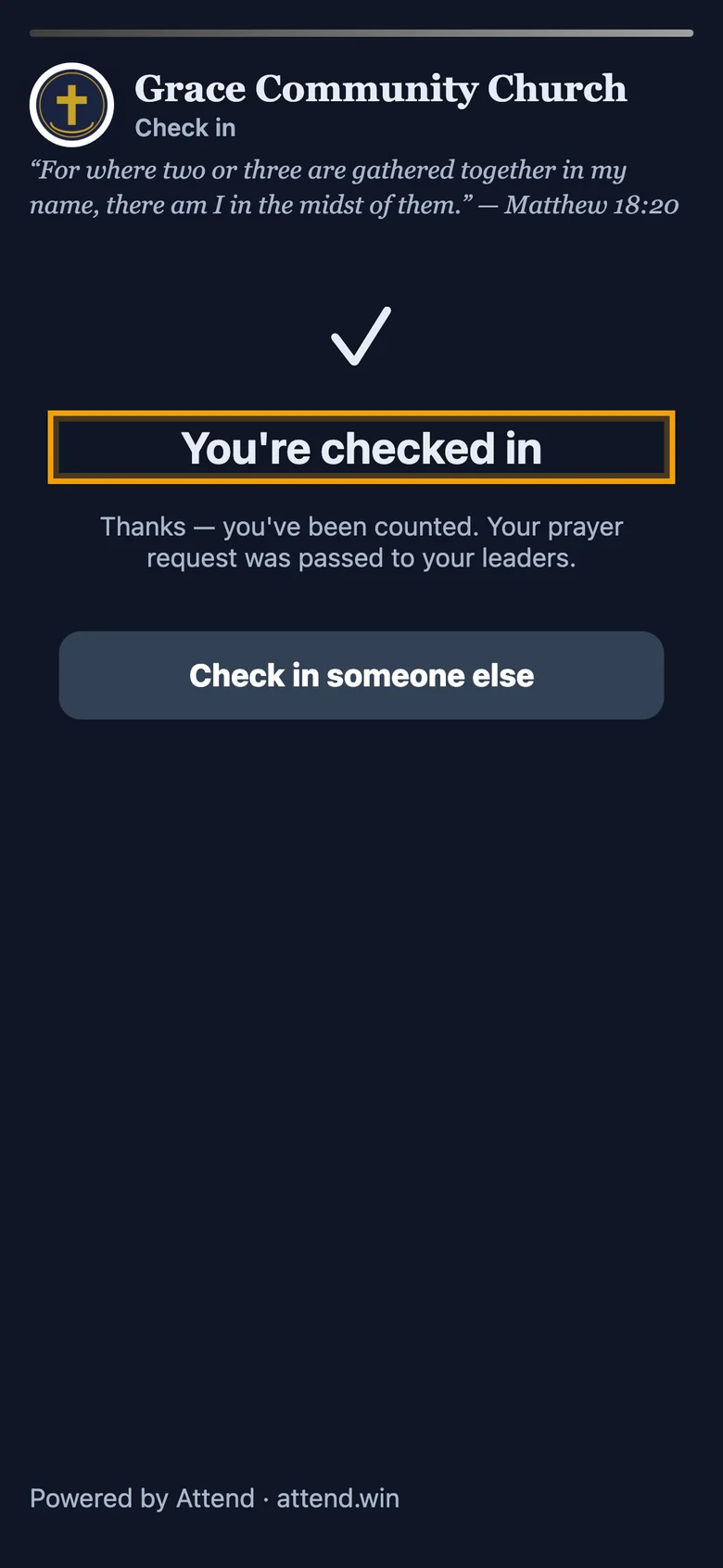
On the screen or in an usher's hand
Project it full-screen with your logo, or hold it up at the door.

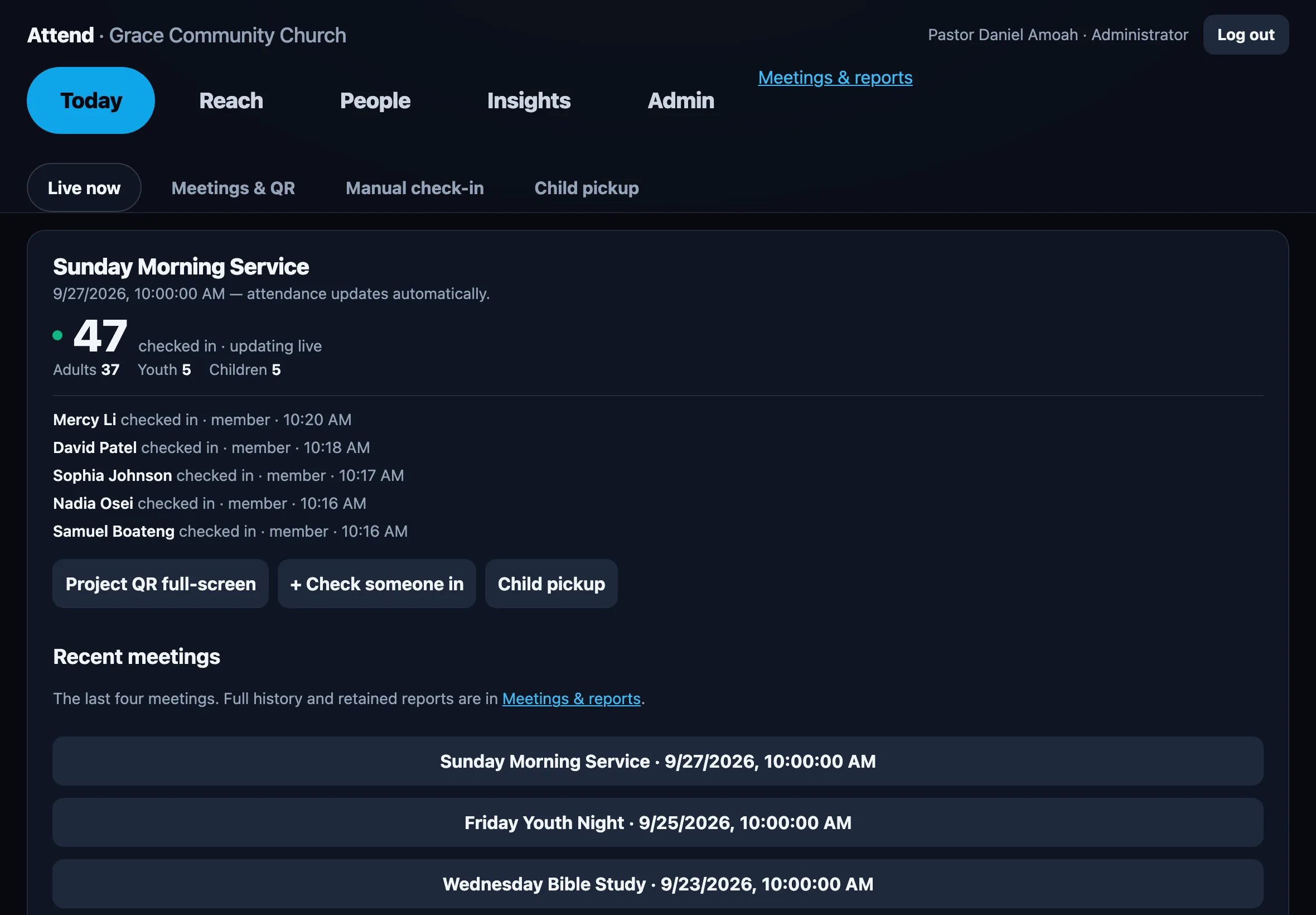
Sunday · 10:00 AM · 47 checked in
QR check-in and pastoral follow-up for churches. One scan from their own phone, and you know who's here, who's been missing, and who asked for prayer.
Two ways in
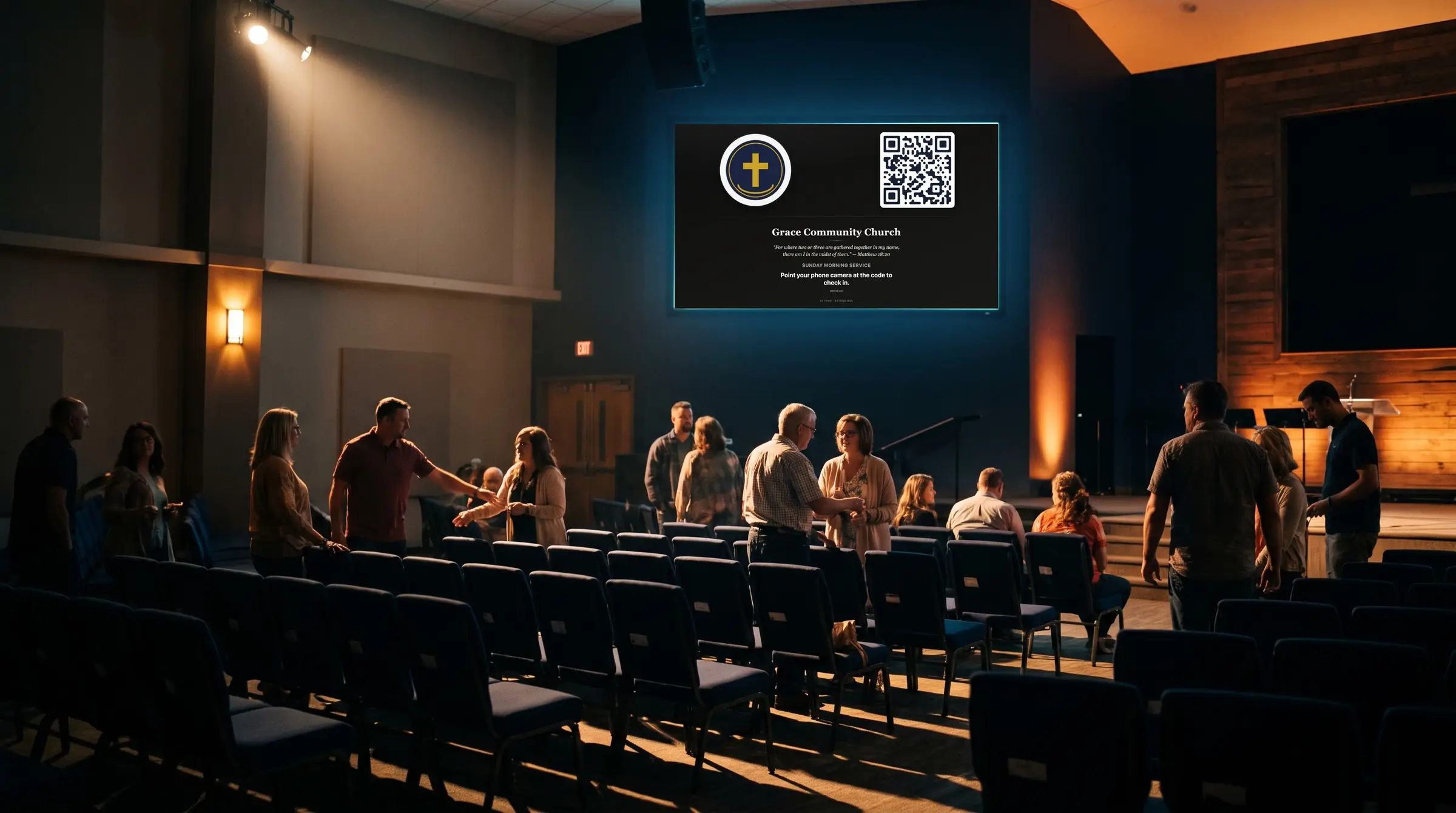
Project the code before the service, or have ushers hold it up on their phones as people walk in. Either way it's one scan, and they're counted.

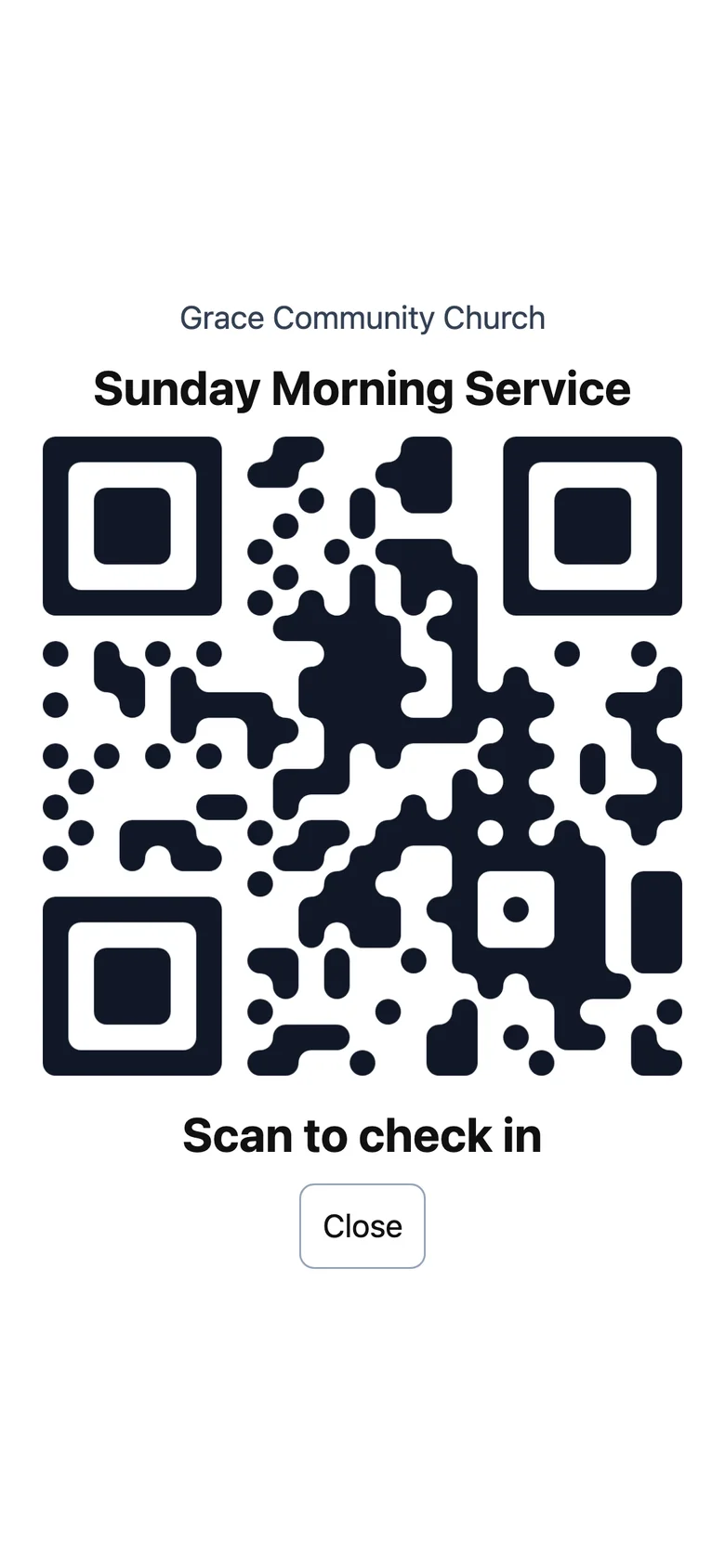
In an usher's hand
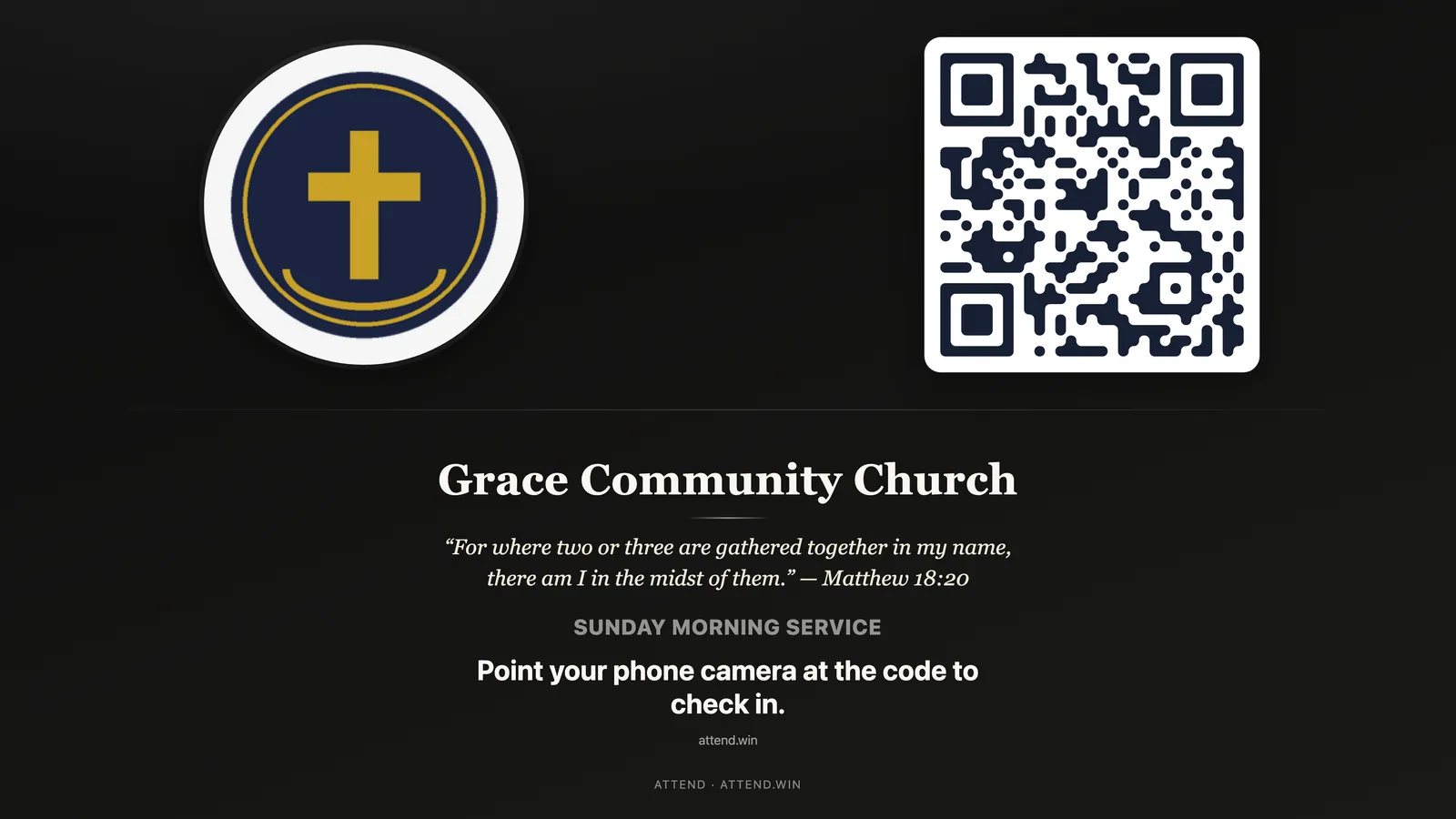
Or on the big screen
One click projects the check-in code full-screen before the service starts, so the whole room can scan from their seats.
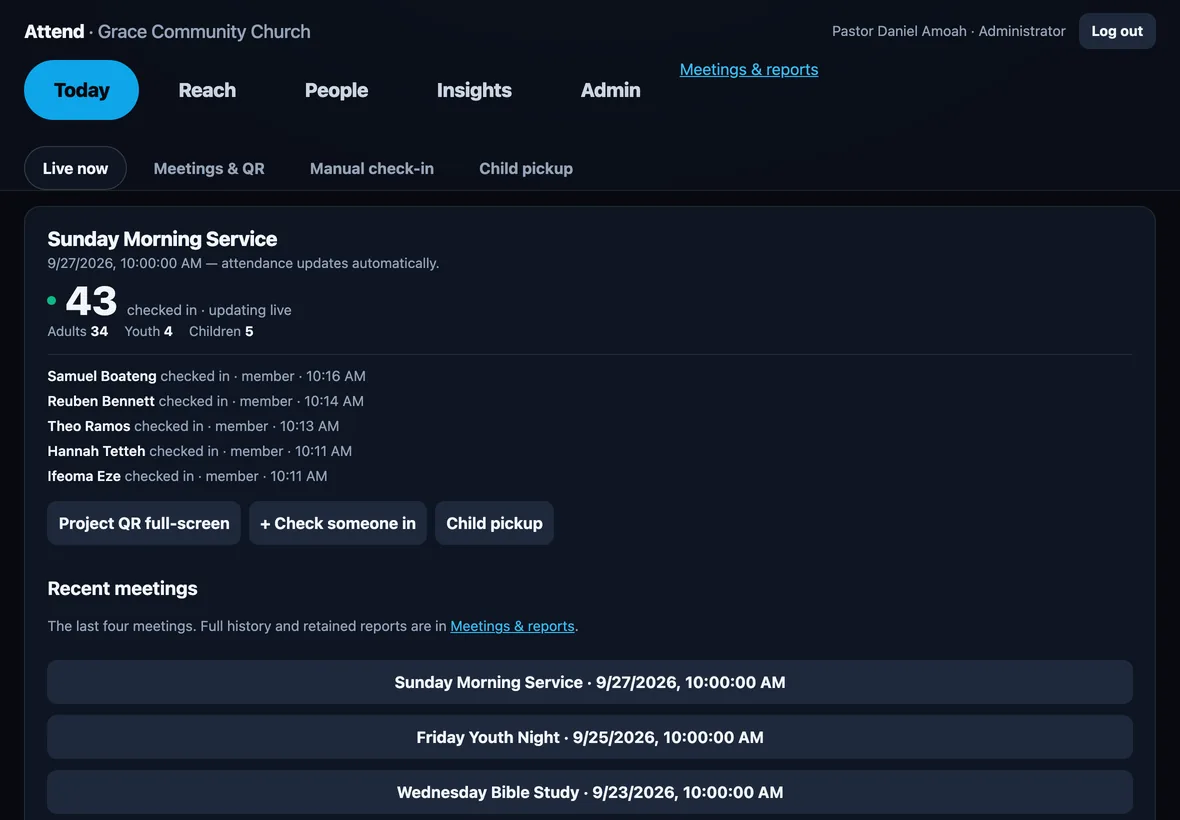
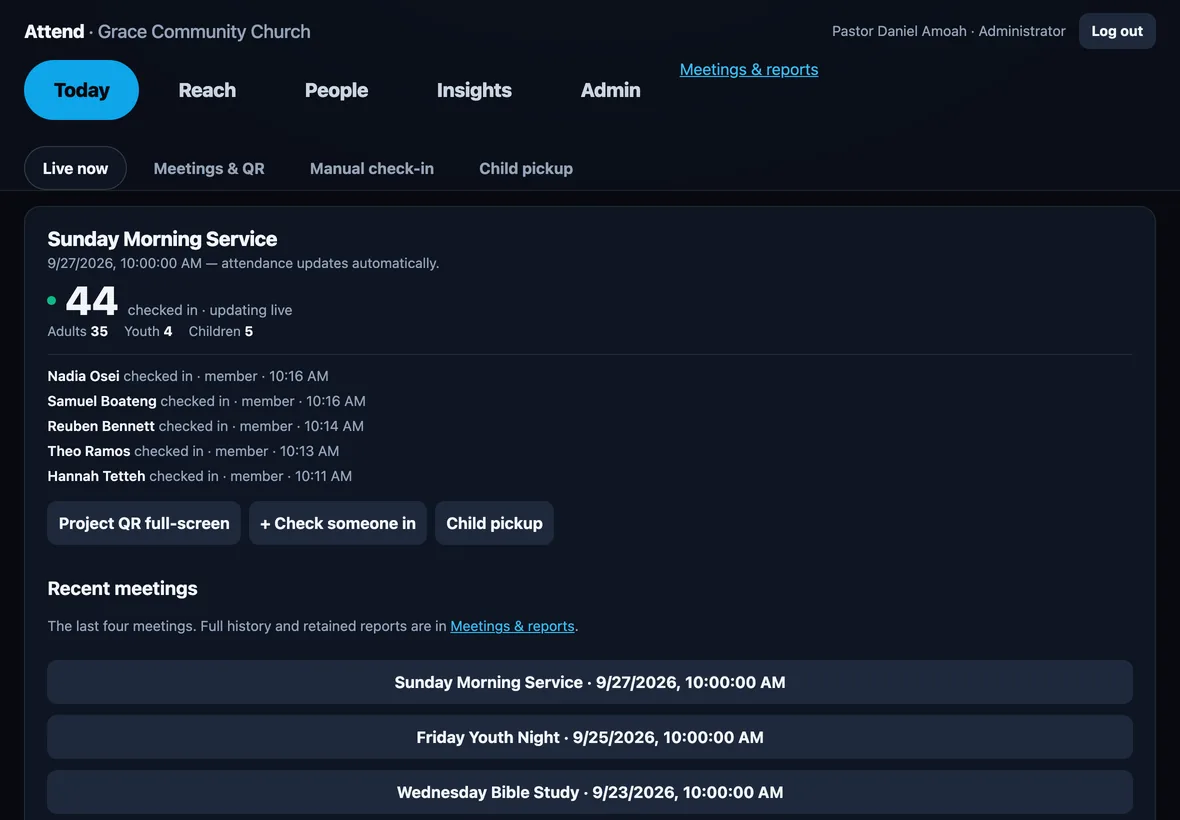
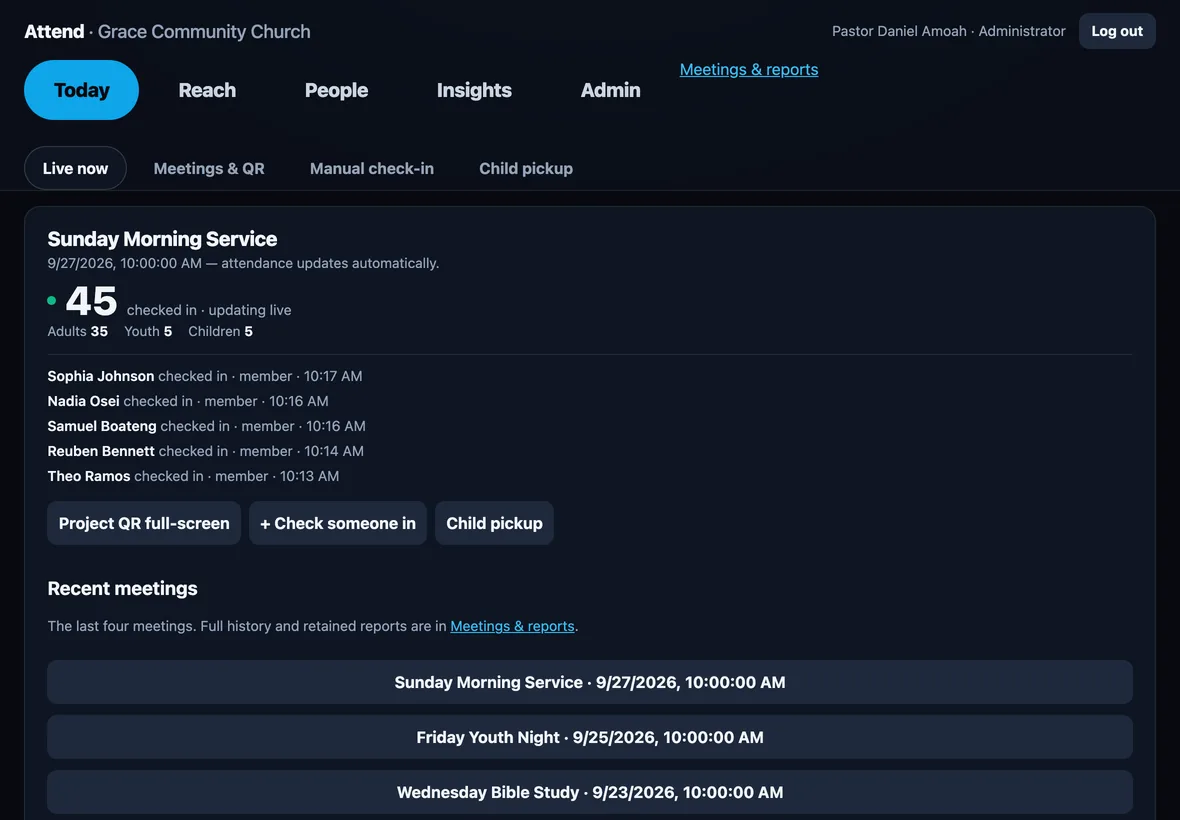
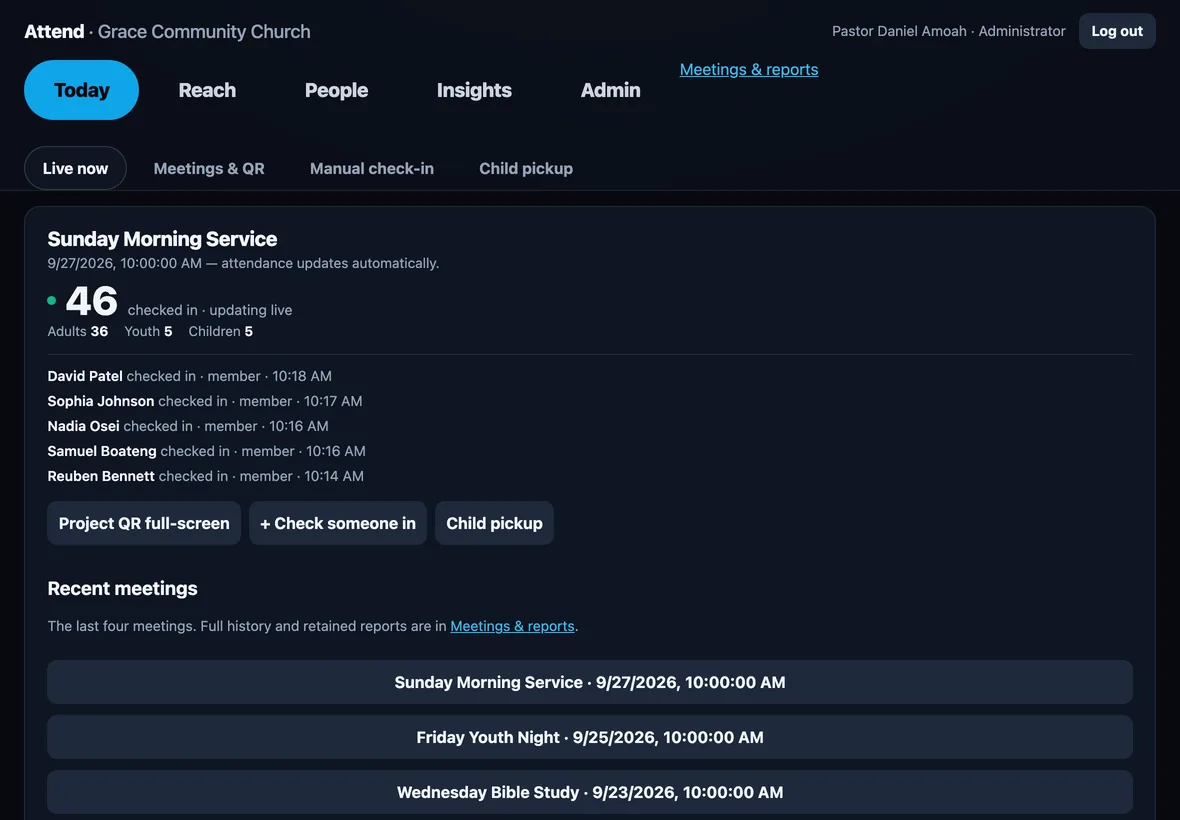
Live count · updates on its own
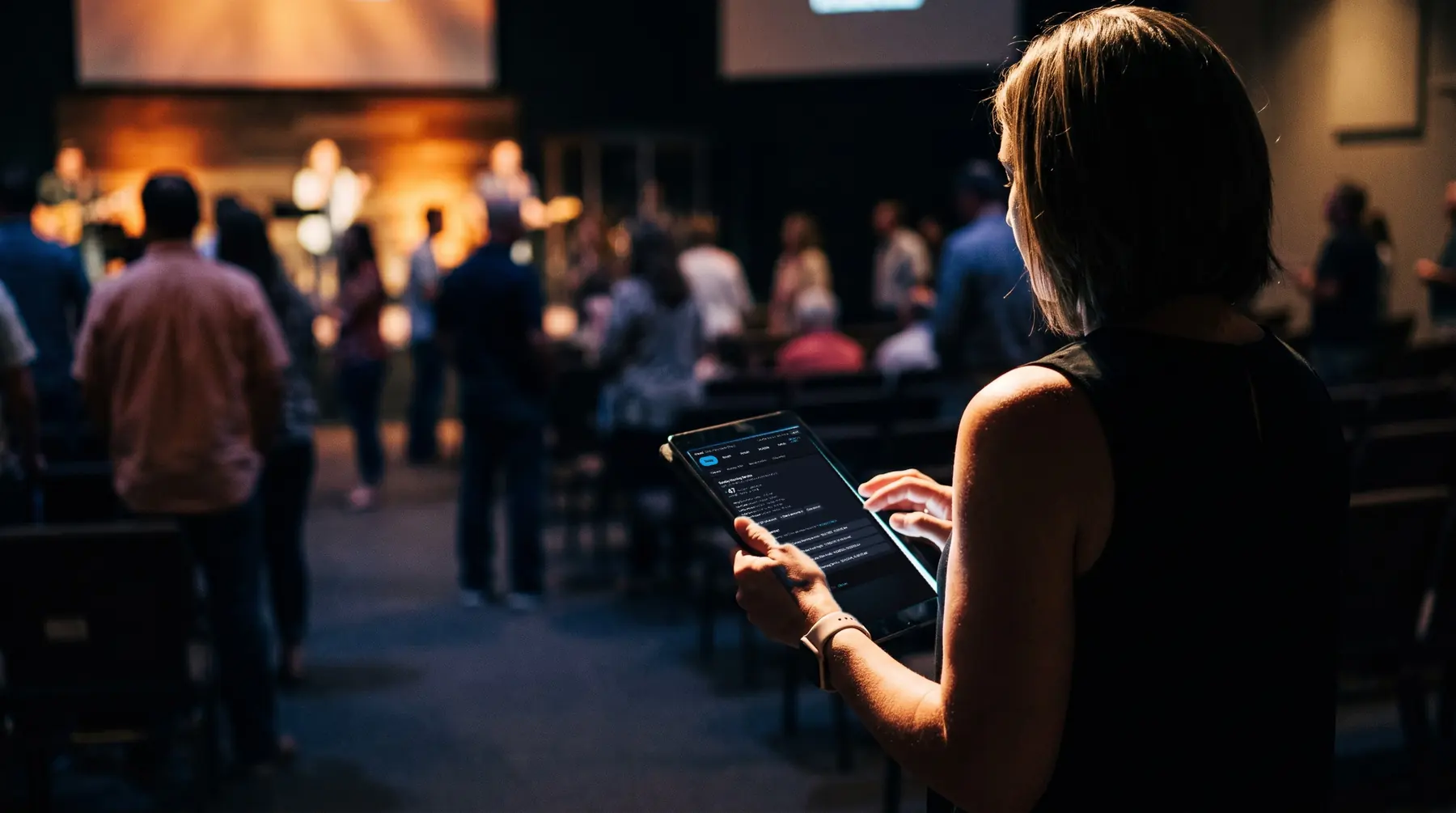
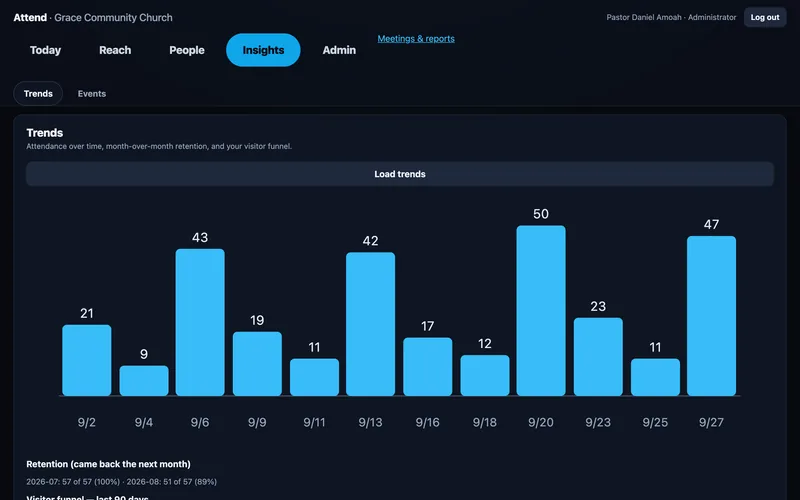
Your attendance lead or pastor sees every check-in as it lands: the count, adults, youth and children, and the latest names. On an iPad, a laptop, or a phone.
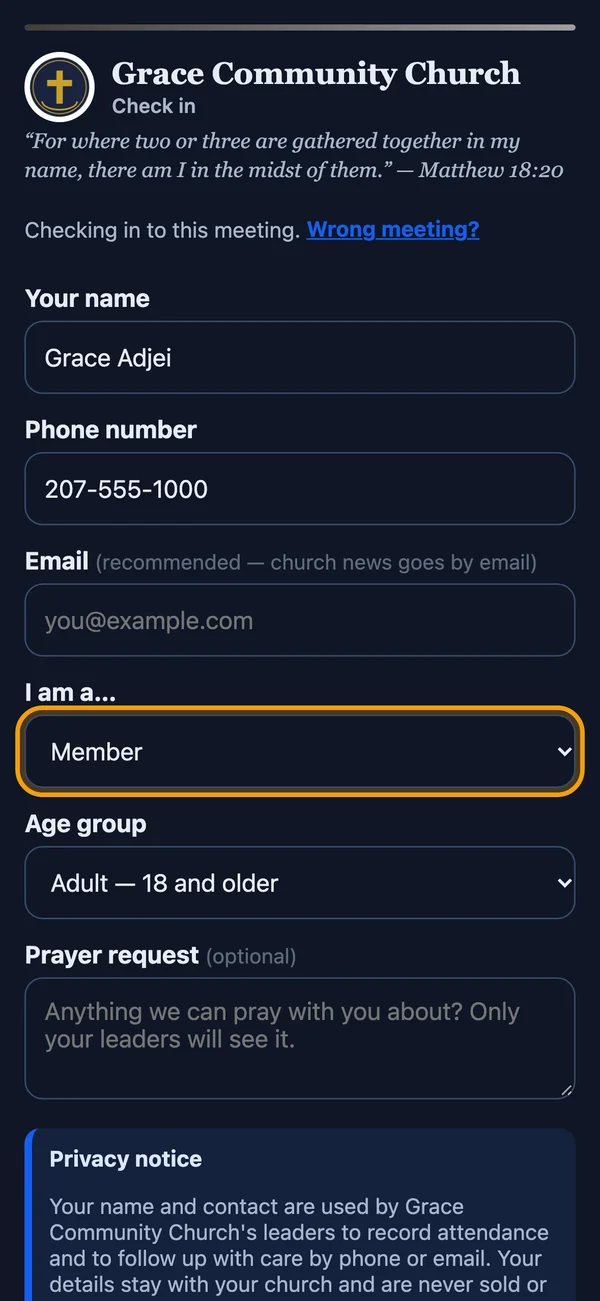
Project it full-screen with your logo, or hold it up at the door.
The phone camera opens the form. Works offline, syncs later.
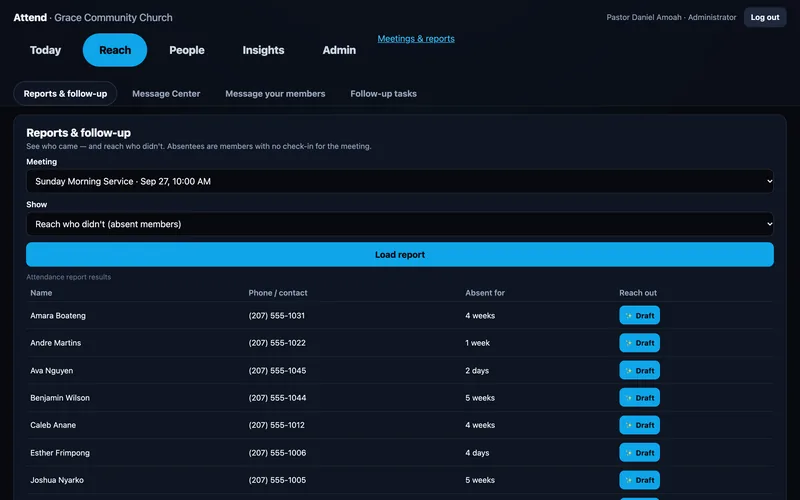
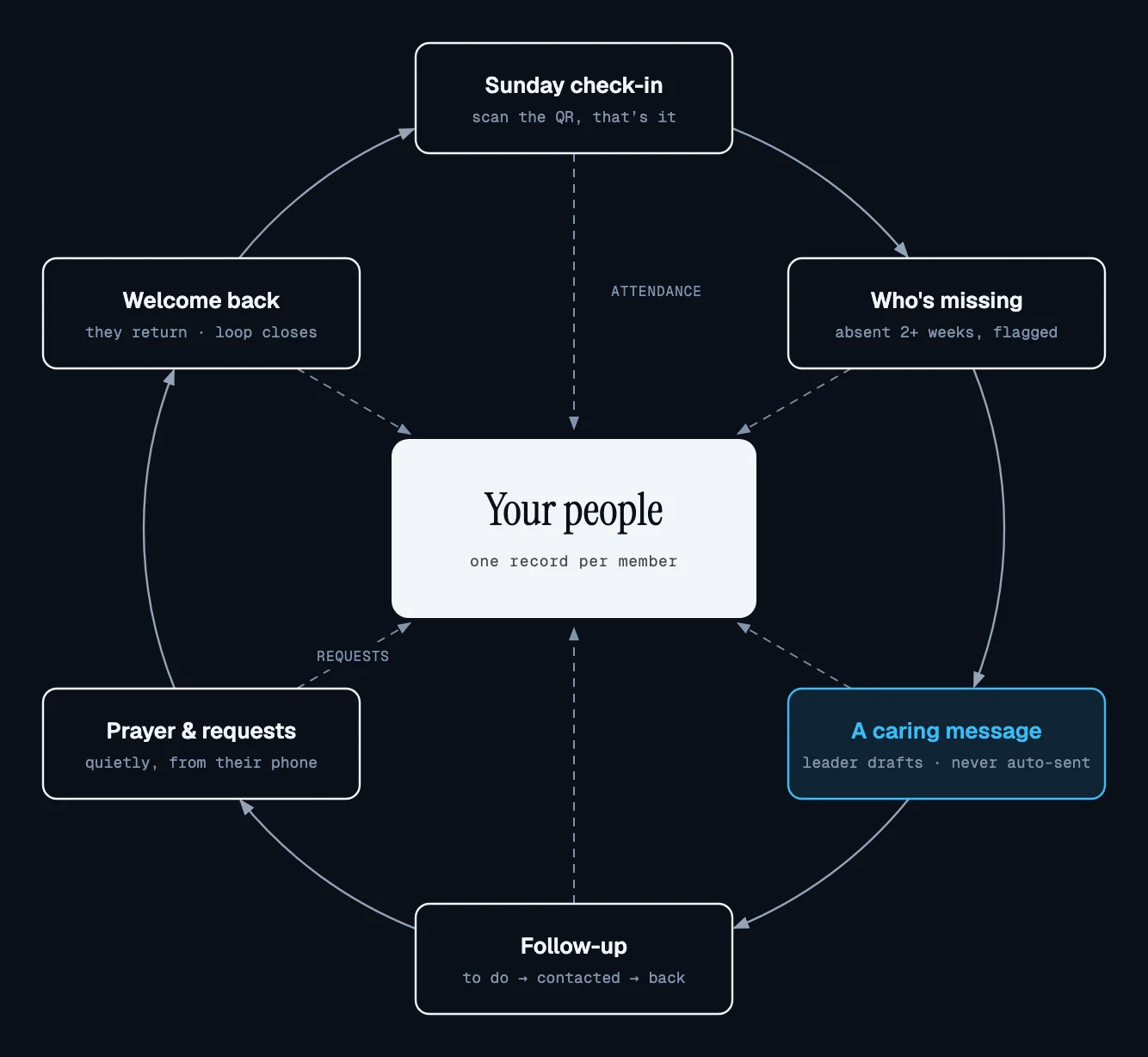
“4 weeks” beside each person who's been missing, with a draft ready.
Film · a Sunday with Attend
Most tools give you a number. Attend gives you a name, and the next step for it.
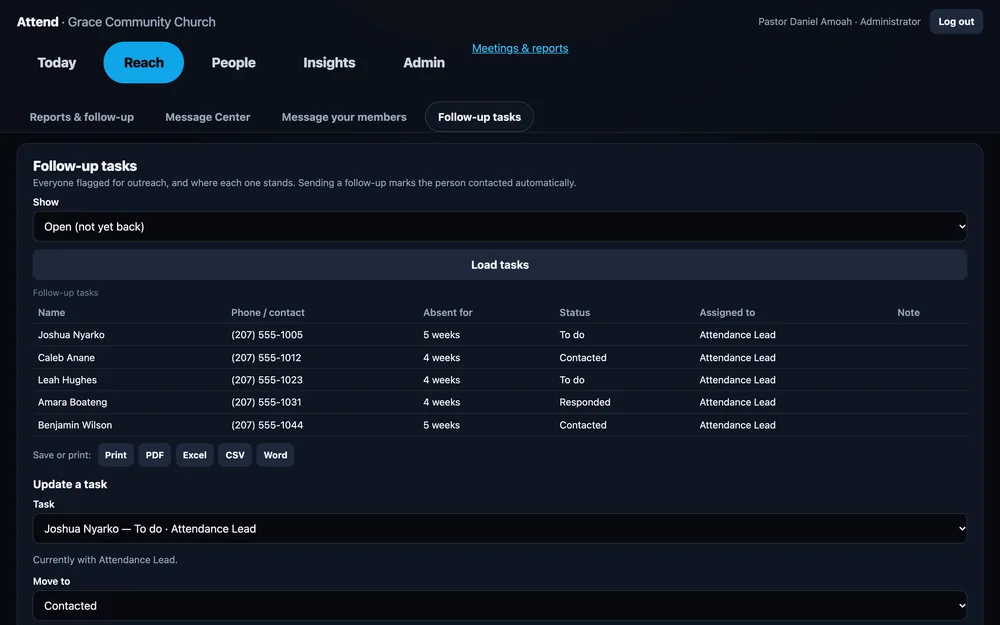
Assign a leader, track every outreach, keep notes in one place.


The care loop
So whoever picks up the phone next already knows the story.
Pricing
$0
free forever
Up to 50 members
Start free$37.90
per month
Up to 100 members
Choose Starter$79
per month
Up to 500 members
Choose Growth$129
per month
Up to 1,500 members
Choose Established| Feature | Pilot | Starter | Growth | Established |
|---|---|---|---|---|
| QR and usher check-in, live count, follow-up dashboard, prayer inbox, AI drafts | ✓ | ✓ | ✓ | ✓ |
| Monthly reports · CSV export | — | ✓ | ✓ | ✓ |
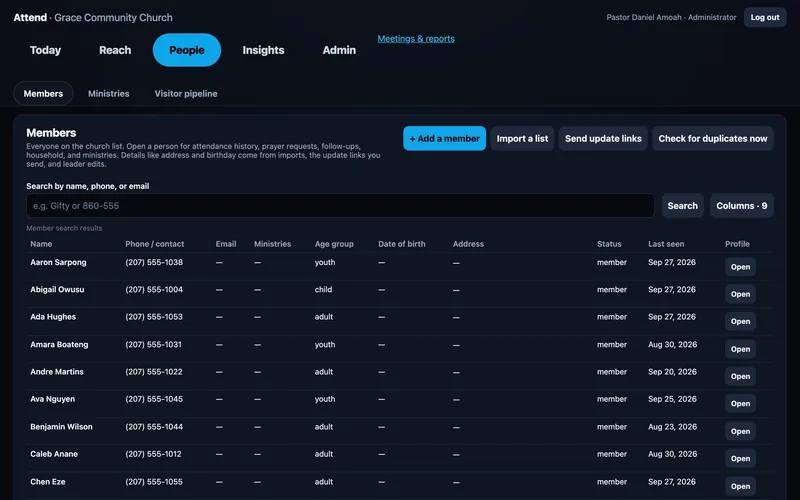
| Profiles and households · groups · self-update links | — | — | ✓ | ✓ |
| Child pickup codes · trends and retention · visitor pipeline · events | — | — | — | ✓ |
| Text messages / month coming soon | 25 | 250 | 750 | 2,500 |
Ministry: unlimited members, every feature and guided onboarding. Talk to us. Nonprofit and multi-church pricing available.
Prayer and care are sensitive. Each church's data is kept separate, leaders see only what their role allows, and exports are recorded.
No. They scan the QR with the camera they already have and check in from the browser.
Yes. Leaders and ushers can run Attend from their phones: Android on Google Play, iPhone (TestFlight preview: install Apple's free TestFlight app, then open the link). Your church's administrator signs up here on the web first, then invites the team; sign in on the app with the email they used.
Yes. Ushers sign in on their own phones, tap Show full screen, and hold the code up at the door. Members scan it just like the big screen.
Yes. Open Attend in the iPad's browser and the Today screen shows the live count, age groups and the latest arrivals, refreshing on its own while check-in is open.
Never. Attend drafts; a leader edits and decides to send.
Yes. CSV, Excel or PDF, at sign-up or any time.
Established and Ministry include child check-in with pickup codes.

Free for your first 50 members. Set up your first meeting in minutes.